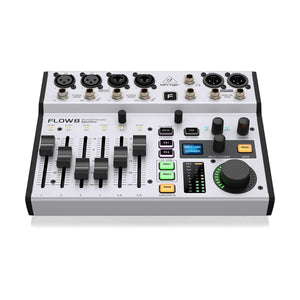
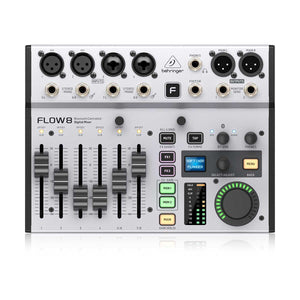
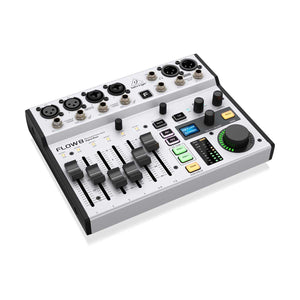
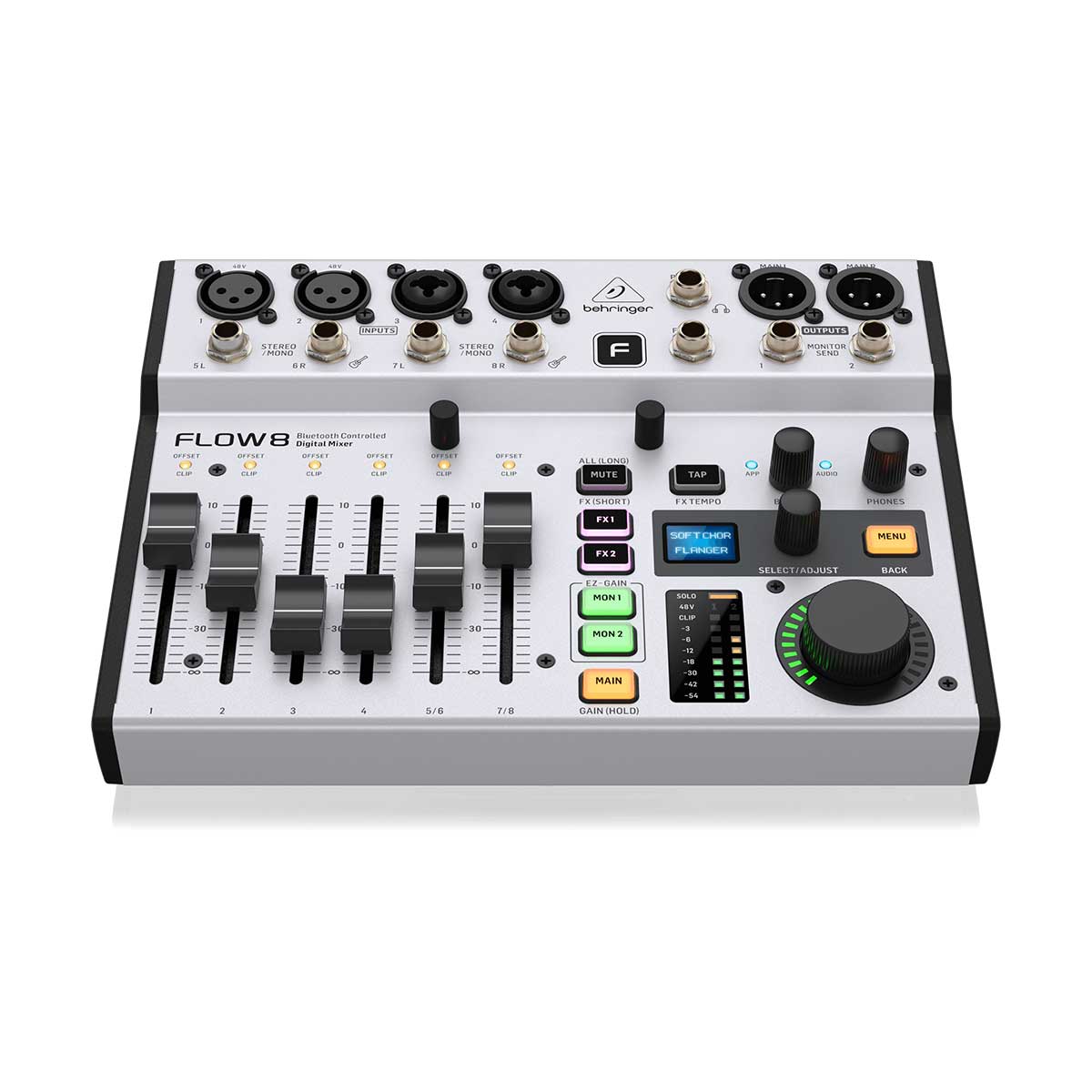
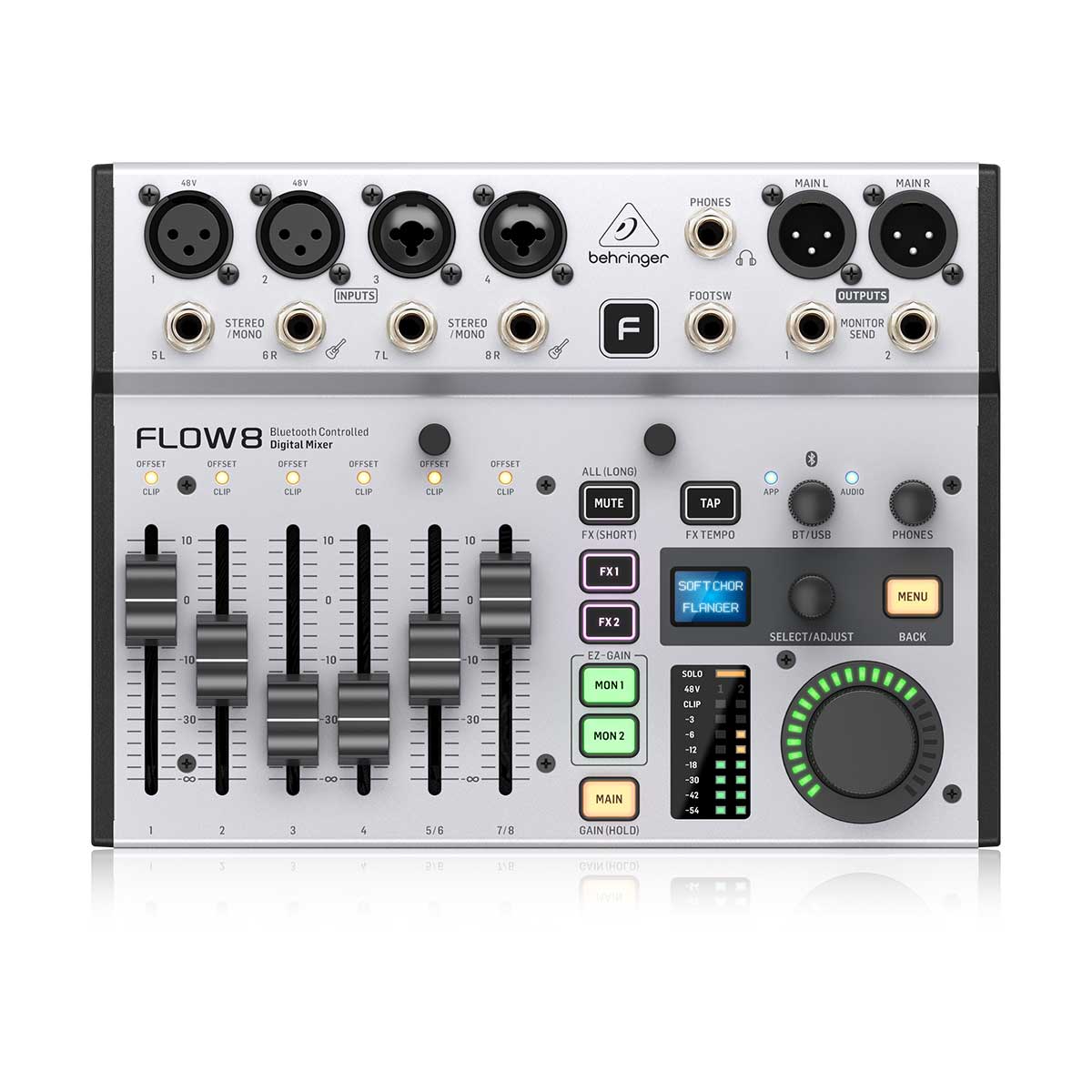
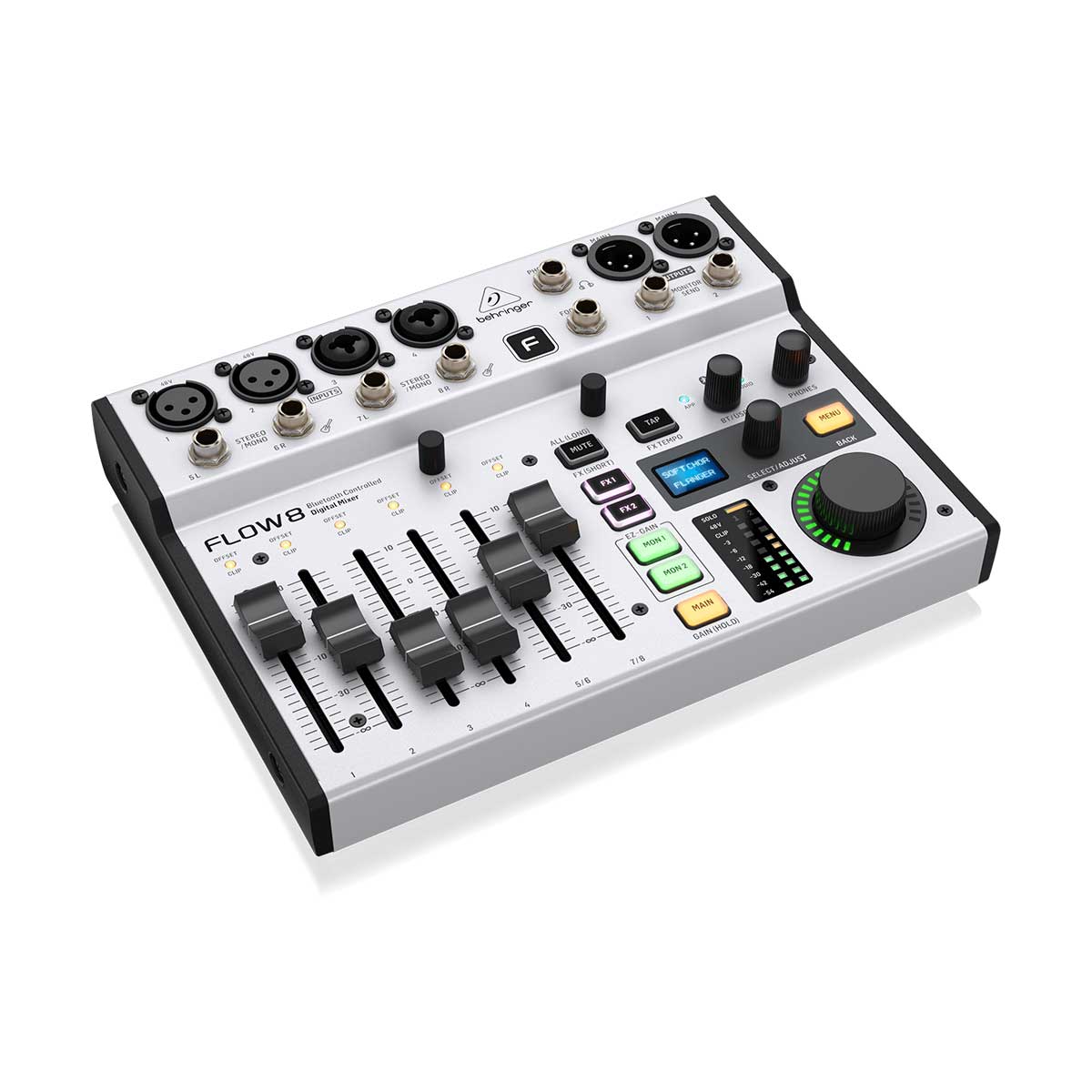
Ultra-low noise, high headroom digital mixer with wireless remote control
FLOW App for Bluetooth remote control from iOS/Android mobile phones or tablets
60 mm channel faders and master rotary control with LED collar
EZ-Gain function analyzes the signals in your application and automatically sets the gain for optimum headroom
Two Midas microphone preamps with 48 V phantom power and programmable gain
Two additional mic/line inputs on combo XLR/TRS jacks
Two pairs of balanced stereo line inputs, each featuring a Hi-Z jack for direct connection of guitar/bass
All channels with 4-band EQ and compressor, 2 FX and 2 monitor sends, while monitor and main buses feature 9-band EQ and limiter
Two independent studio-grade effects engines, each with 16 presets including reverbs, delay and modulation effects 8-Input Digital Mixer with Bluetooth Audio and App Control, 60 mm Channel Faders, 2 FX Processors and USB/Audio Interface
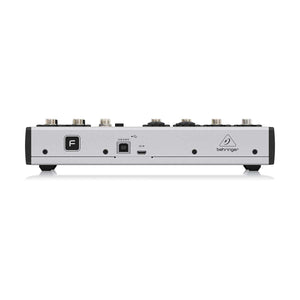
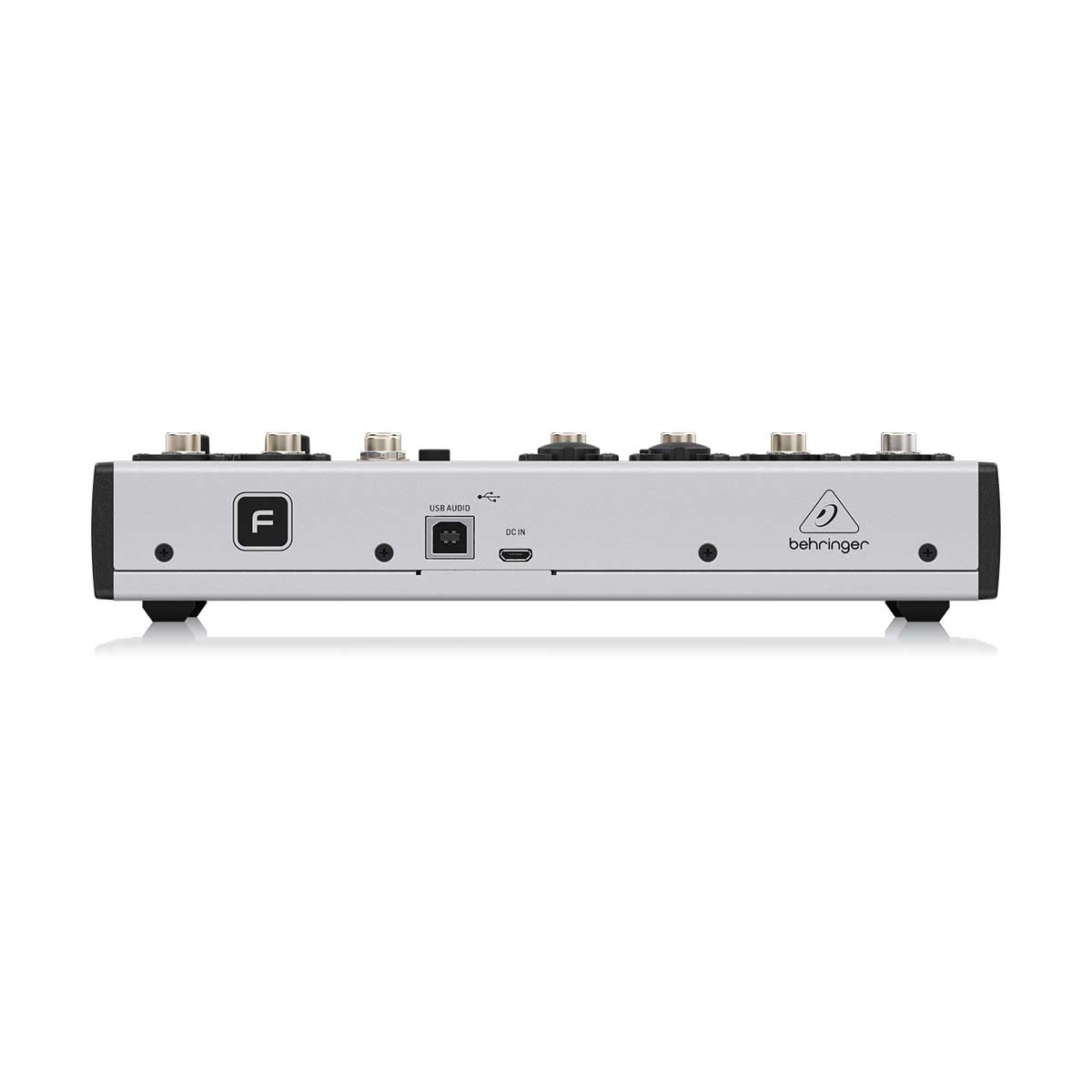
Built-in 10 x 2 channel USB computer audio Interface, with 48 kHz / 24-Bit resolution
Bluetooth audio streaming for adding click or backing tracks to your performance, or for playing music during a break
Balanced main outputs on gold- plated XLR and balanced monitor outputs on 1/4" TRS
FLOW App with assisted set-up, unlimited mixer snapshots and intuitive, customizable Stage-View
FX adjustment control, FX mute and tap tempo buttons
Footswitch input for controlling FX mute/tap tempo or preset up/down functions
Optional mic stand adapter allows placing the mixer within reach of your performance (FLOW CLIP or P16-MB not included)
USB powered via AC adapter (included) or power bank (not included)
Love the product, price and prompt delivery. Very happy with every aspect of the purchase.
B
Bret H.
So far so good. Sounds
So far so good. Sounds great and is easy to use.
Recently viewed products
PayPal Pay Later Messaging
Step 1: Choose message placement
Click the button below and then hover over your page to select a placement.
Step 2: Paste and save
You have copied the placement for the Product Page.
Go back to the App Embeds section, and in the Paypal Advanced Settings, paste the copied value into the
Product Page field and click the 'Save' button in the top right corner.