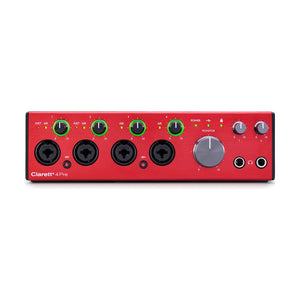
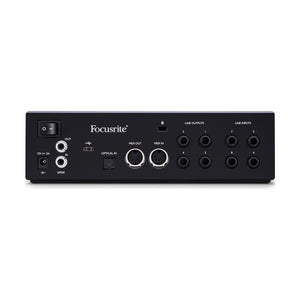
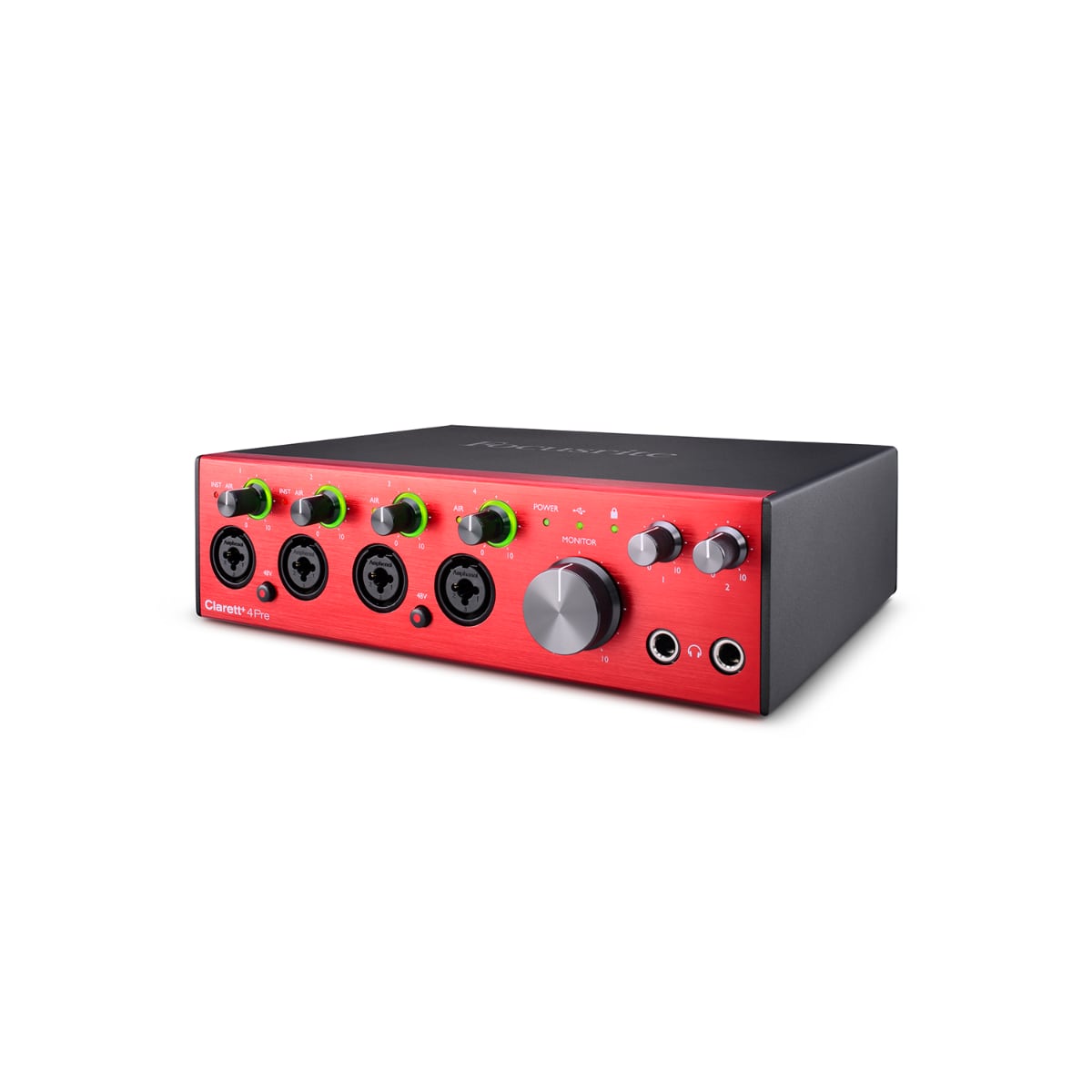
Clarett+ 4Pre is the studio-grade audio interface for PC and Mac, designed for music makers who demand the highest quality while recording and mixing their audio creations.
Features
FOUR HIGH-PERFORMANCE CLARETT⁺ PREAMPS
Hear every nuance and capture clear and powerful audio with preamps that bring masses of headroom, low distortion and ultra-low noise.
NEW AND IMPROVED A-D AND D-A CONVERTERS
Create tighter mixes and make more accurate recordings with extremely high-performance, independent A-D and D-A converters, which deliver extremely low noise, low distortion and high dynamic range.
TWO JFET INSTRUMENT INPUTS
Dedicated, ultra-high-impedance JFET instrument inputs, with extremely wide audio bandwidth, mimic guitar amp inputs to preserve the natural tone of guitars and capture their true character.
FOCUSRITE PLUG-IN COLLECTIVE
Register to receive regular discounts and exclusive versions of the most innovative software titles.
MAKE VOCALS SHINE WITH ALL-ANALOGUE AIR
Premium, relay-controlled analogue circuitry on every preamp emulates the classic Focusrite ISA110 by switching the impedance to 2.2kΩ and adding two cumulative high shelves, totalling a 4dB boost in the high frequencies.
POWERFUL, TRANSPARENT HEADPHONE OUTPUTS
Dual outputs provide a flat frequency response that inspires the best-sounding recordings and mixes and evokes amazing vocal performances.
ADAT OPTICAL INPUT
Expand Clarett+ 4Pre to make the most of ADAT-compatible outboard equipment such as Clarett OctoPre, with eight channels of digital expandability, perfect for every stage of your creative journey.
FOCUSRITE CONTROL
Easy-to-use and feature-packed software for computer and iOS devices gives you complete control over all aspects of Clarett+
Love the air mode, routing capabilities and the converters sound excellent. Very happy buyer
Recently viewed products
PayPal Pay Later Messaging
Step 1: Choose message placement
Click the button below and then hover over your page to select a placement.
Step 2: Paste and save
You have copied the placement for the Product Page.
Go back to the App Embeds section, and in the Paypal Advanced Settings, paste the copied value into the
Product Page field and click the 'Save' button in the top right corner.