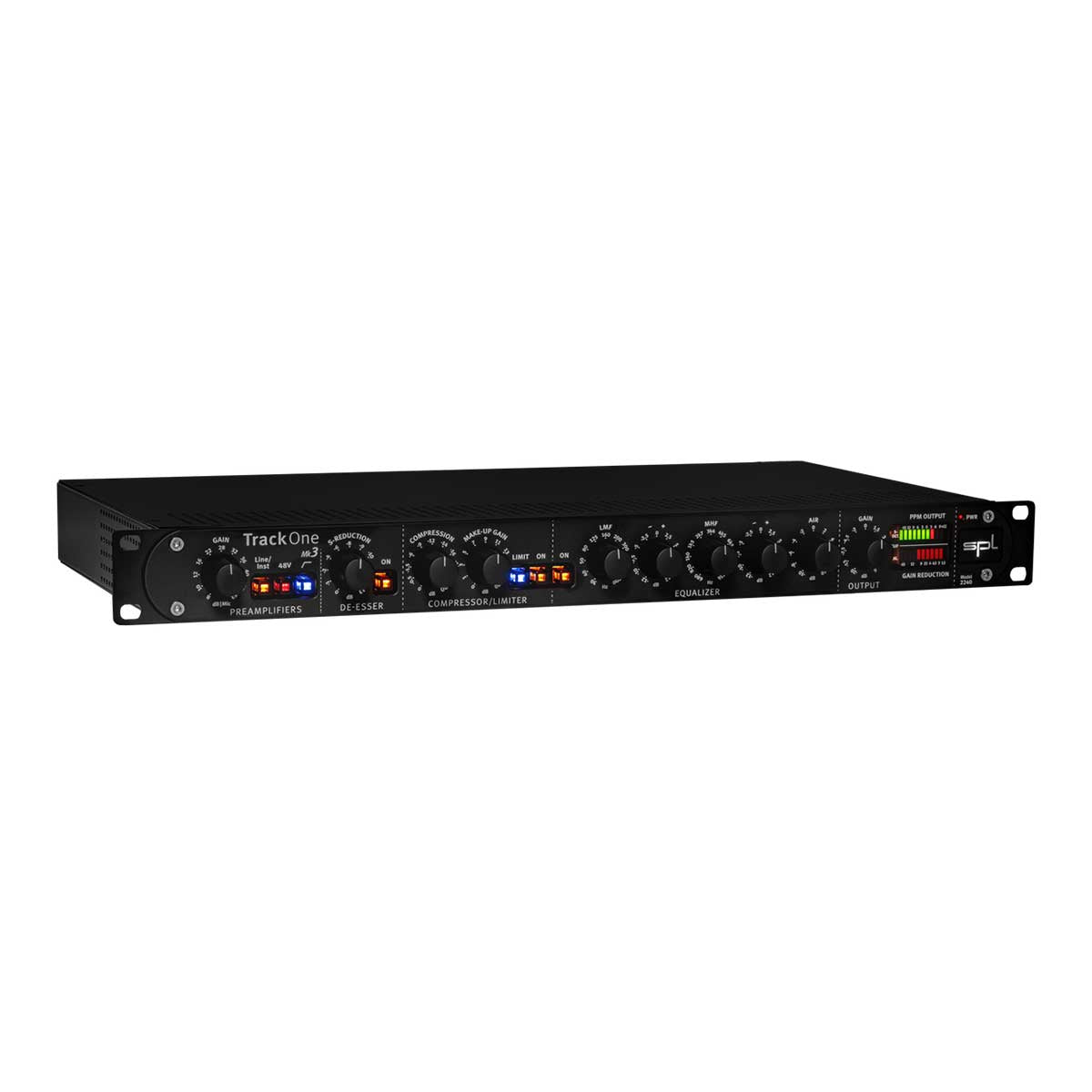
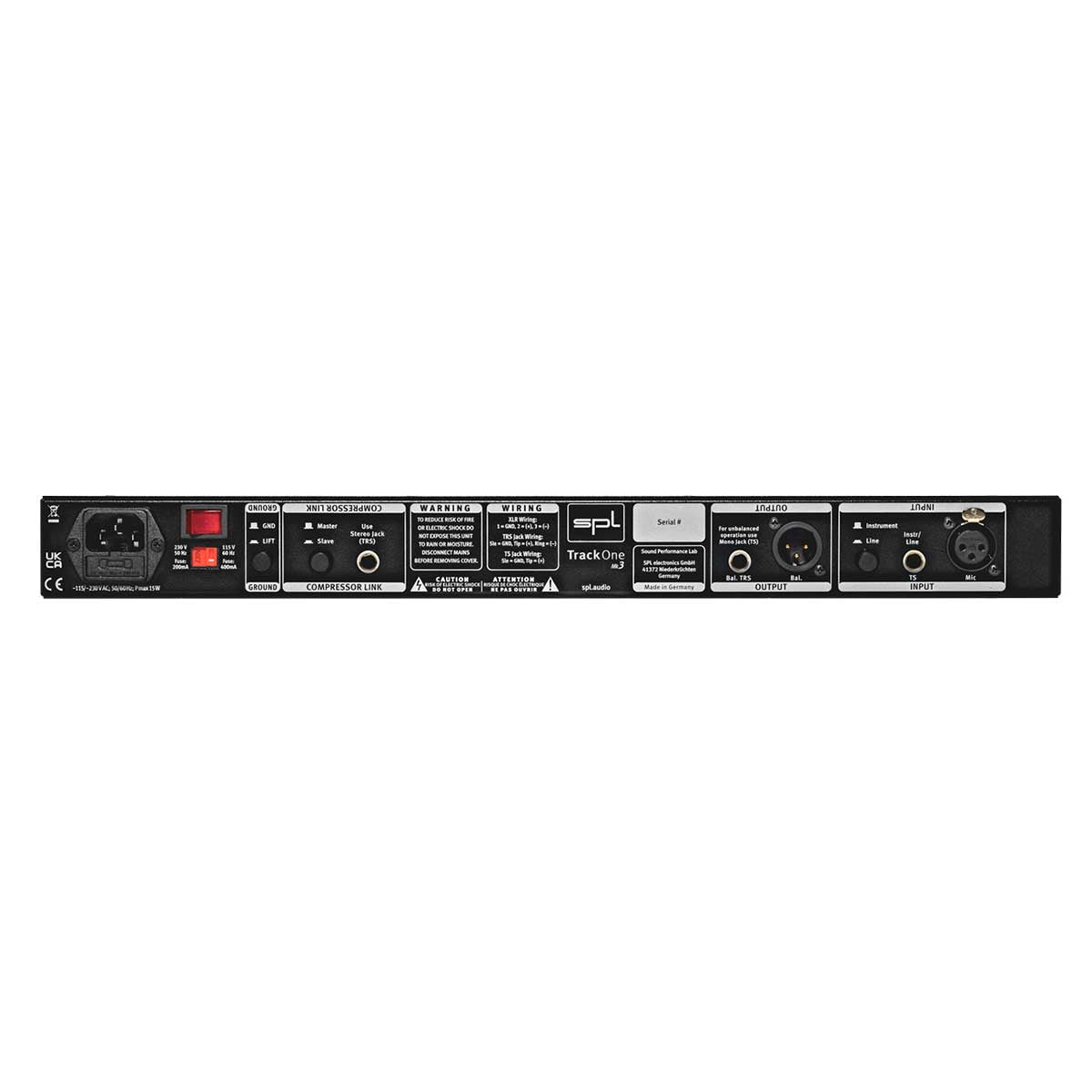
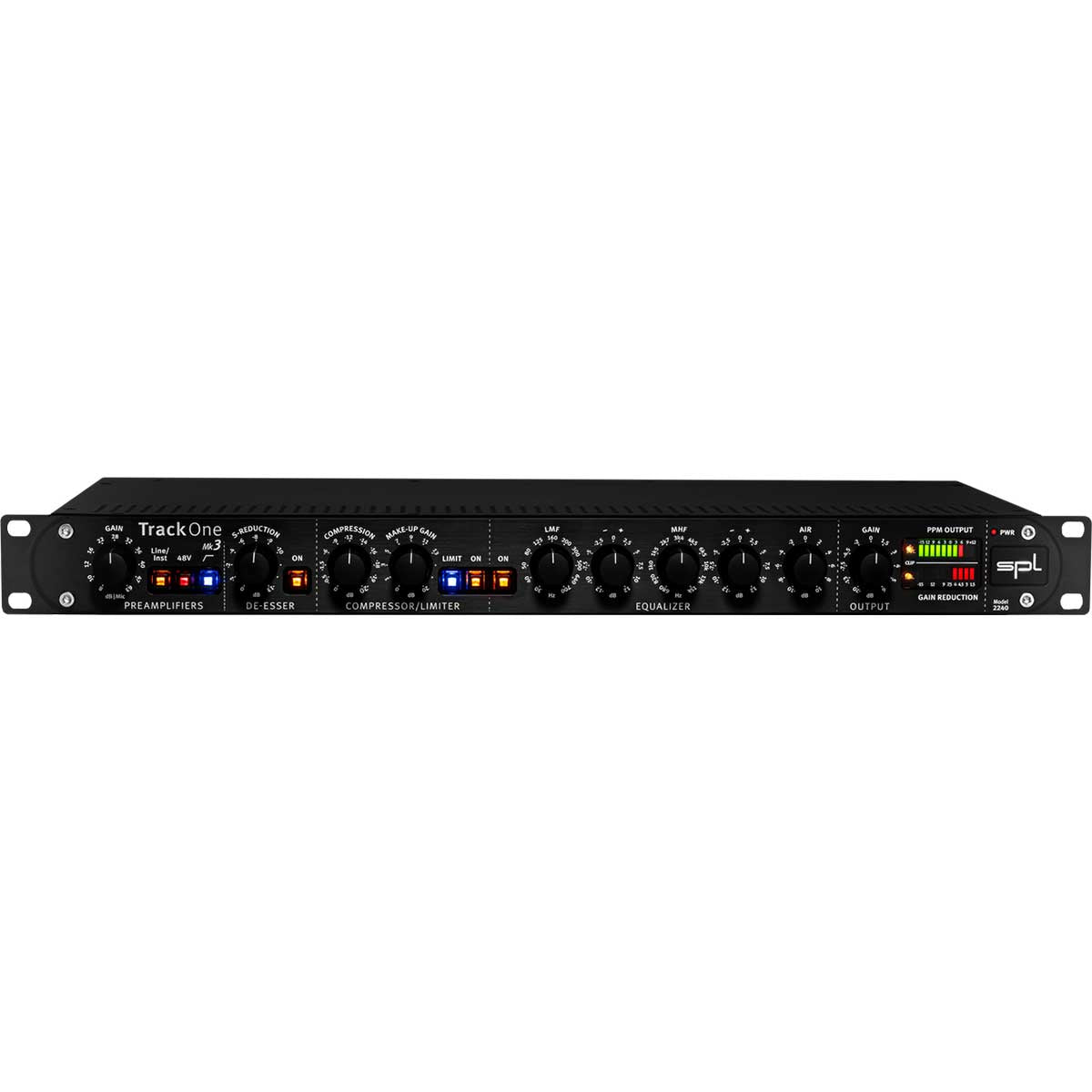
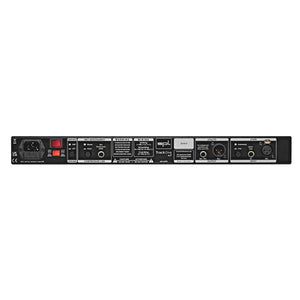
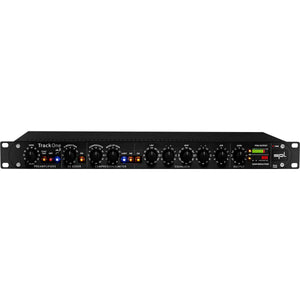
In broadcast and voice recording, the compact channel strip has already made a big name for itself. Whether singer-songwriter, live event or podcast – Track One always delivers a great sound. It enriches the microphone, line or instrument signal. De-esser, compressor/limiter and equalizer ensure professional results.
The high-quality recording and mixing channel strip has been improved again with the latest Mk3 ersion in some technical details and optimized with the needs of modern recording studios in ind. The new design of the SPL Studio Series provides this third generation Track One with a more intuitive and at the same time classy design.
Preamplifiers
The Track One is equipped with two preamps: a microphone preamp with 48V phantom power and a separate instrument preamp. Both are tuned to a sound-neutral, open and transparent characteristic.
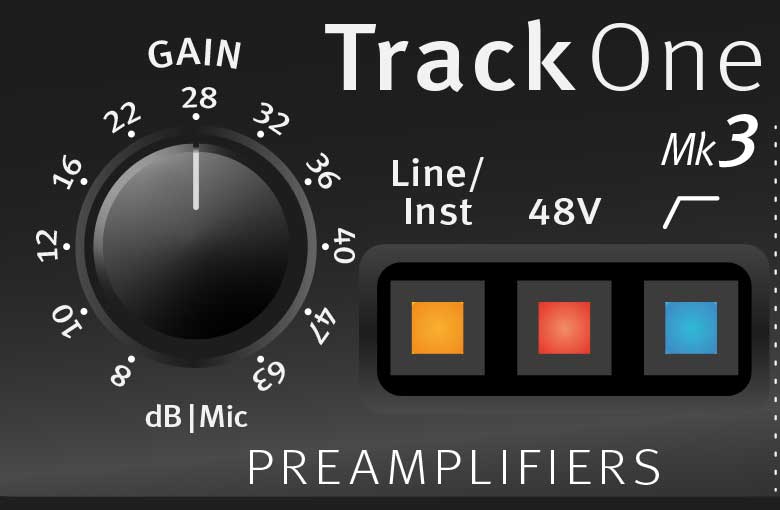
Gain
The gain control can be used to adjust the preamplification. For microphone signals, a preamplification of up to 63 dB can be realized – so even really demanding microphones can show their qualities.
The control range for line signals ranges between -12 dB and +22 dB. The control range for instrument signals ranges between 0 dB and +35 dB.
Analogue plugin
Track One Mk3 offers the possibility to process line signals.This means that sources with line level, such as an analog signal from an audio interface, can be processed with de-esser, compressor, limiter and equalizer and then be recorded again. In this way, Track One Mk3 becomes an “analog plugin” within an insert of a DAW.
The SPL Track One Mk3 is a very clean but extremely versatile sounding machine.
In the studio it works tirelessly, precisely and helped make the sessions way less stressful, sometimes working to tight budgets we don’t get a second chance, the SPL Track One Mk3 does this with ease.
Recently viewed products
PayPal Pay Later Messaging
Step 1: Choose message placement
Click the button below and then hover over your page to select a placement.
Step 2: Paste and save
You have copied the placement for the Product Page.
Go back to the App Embeds section, and in the Paypal Advanced Settings, paste the copied value into the
Product Page field and click the 'Save' button in the top right corner.