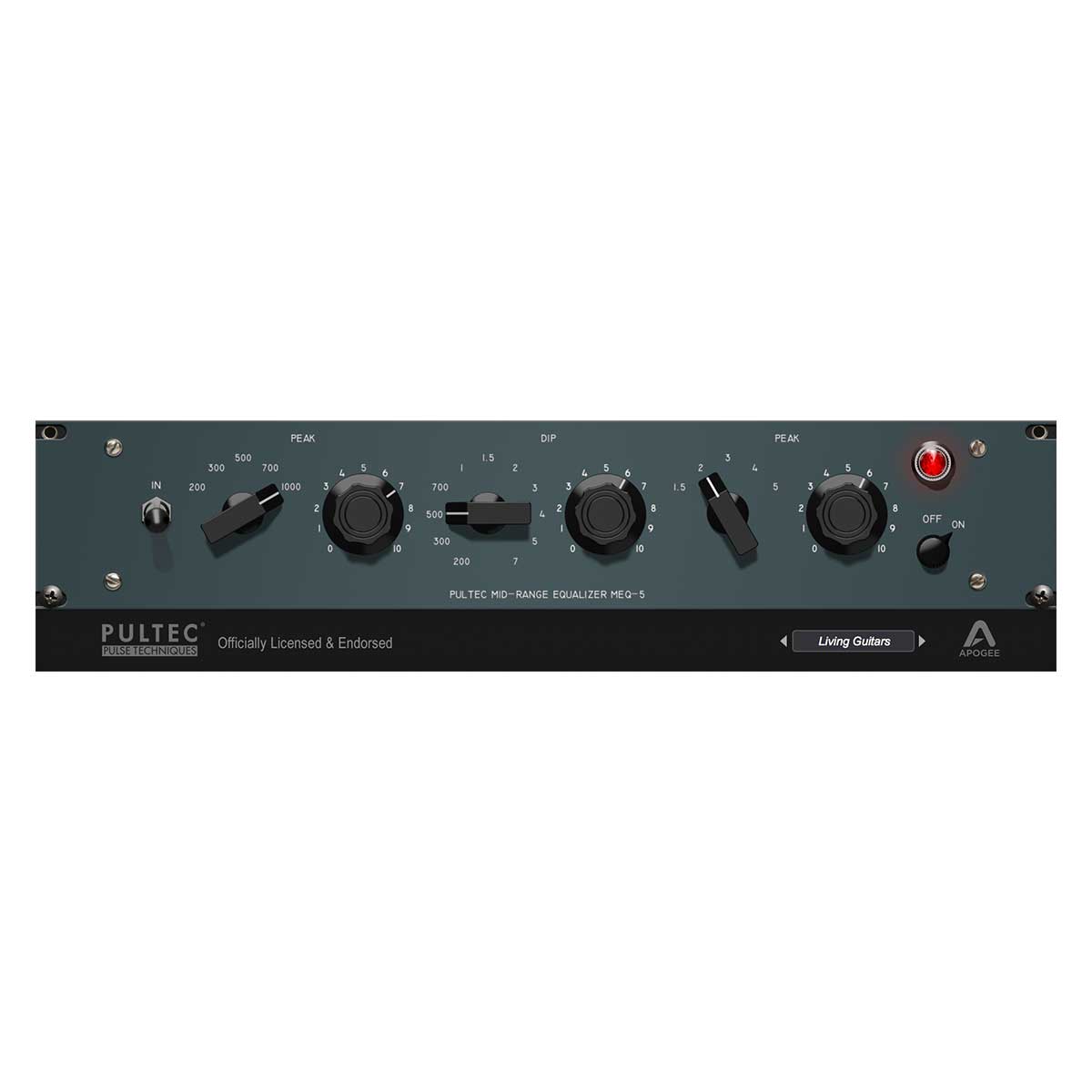
n our obsessive quest to reproduce every nuance of the Pultec Midrange Equalizer, we had a worthy partner – Steve Jackson ofPulse Techniques, the current manufacturer of new Pultec hardware. After careful analysis of several vintage and new Pultec MEQ-5 units, Apogee chose to model our plugin after one of Steve’s new units – it was like unboxing a brand-new unit in 1959.
Highlights
The Apogee Pultec MEQ-5 Midrange Equalizer plugin precisely recreates the original hardware to sculpt critical midrange frequencies with precision and warmth
Developed with Pulse Techniques, the current manufacturer of hardware Pultec EQs
Apogee plugin modelled from brand new Pultec unit
Officially Licensed and Endorsed by Pulse Techniques
Run natively in your favourite DAW on your Mac, no Apogee hardware is required
Runs on Apogee hardware DSP in Symphony Desktop, Element Series, and Ensemble Thunderbolt audio interfaces
System Requirements
Mac:
MacOS 10.12.6 or higher
4 GB minimum RAM, 8GB of higher recommended
Free Pace iLok account – physical iLok not required
Windows:
Windows 10 and higher
4 GB minimum RAM, 8 GB or higher recommended
Free Pace iLok account – physical iLok not required
Supported DAWs
Logic Pro 10
Pro Tools 12, Ultimate
(ProTools 11 and lower are not currently supported)
Ableton Live 10
Cubase 9.5 VST 1 & 2 (VST 3 not implemented in this release)
Please note that any AUv2, VST 1&2m, or AAX fully compliant DAW should work
Recently viewed products
PayPal Pay Later Messaging
Step 1: Choose message placement
Click the button below and then hover over your page to select a placement.
Step 2: Paste and save
You have copied the placement for the Product Page.
Go back to the App Embeds section, and in the Paypal Advanced Settings, paste the copied value into the
Product Page field and click the 'Save' button in the top right corner.