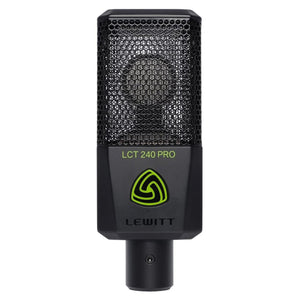
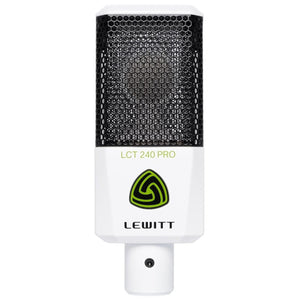
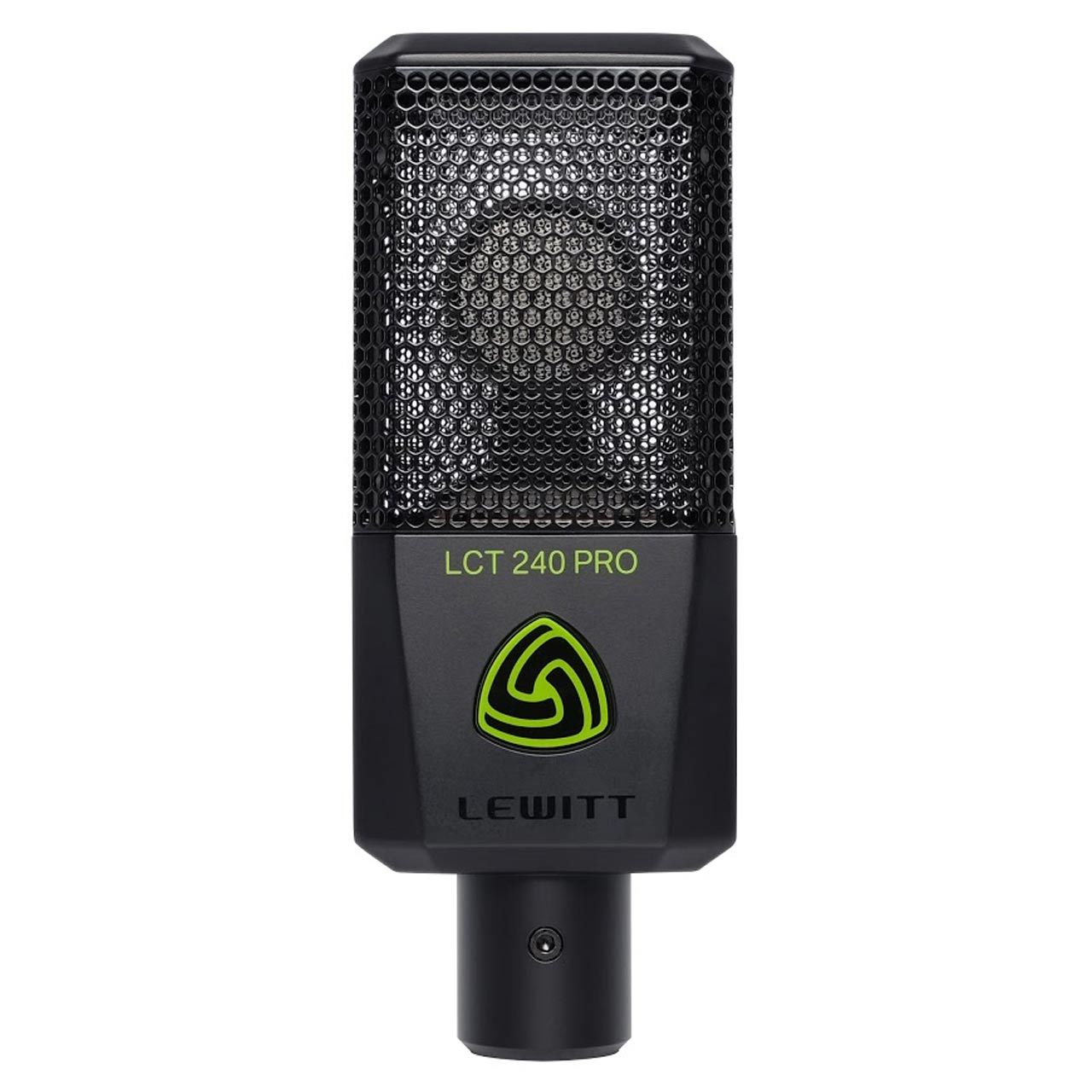
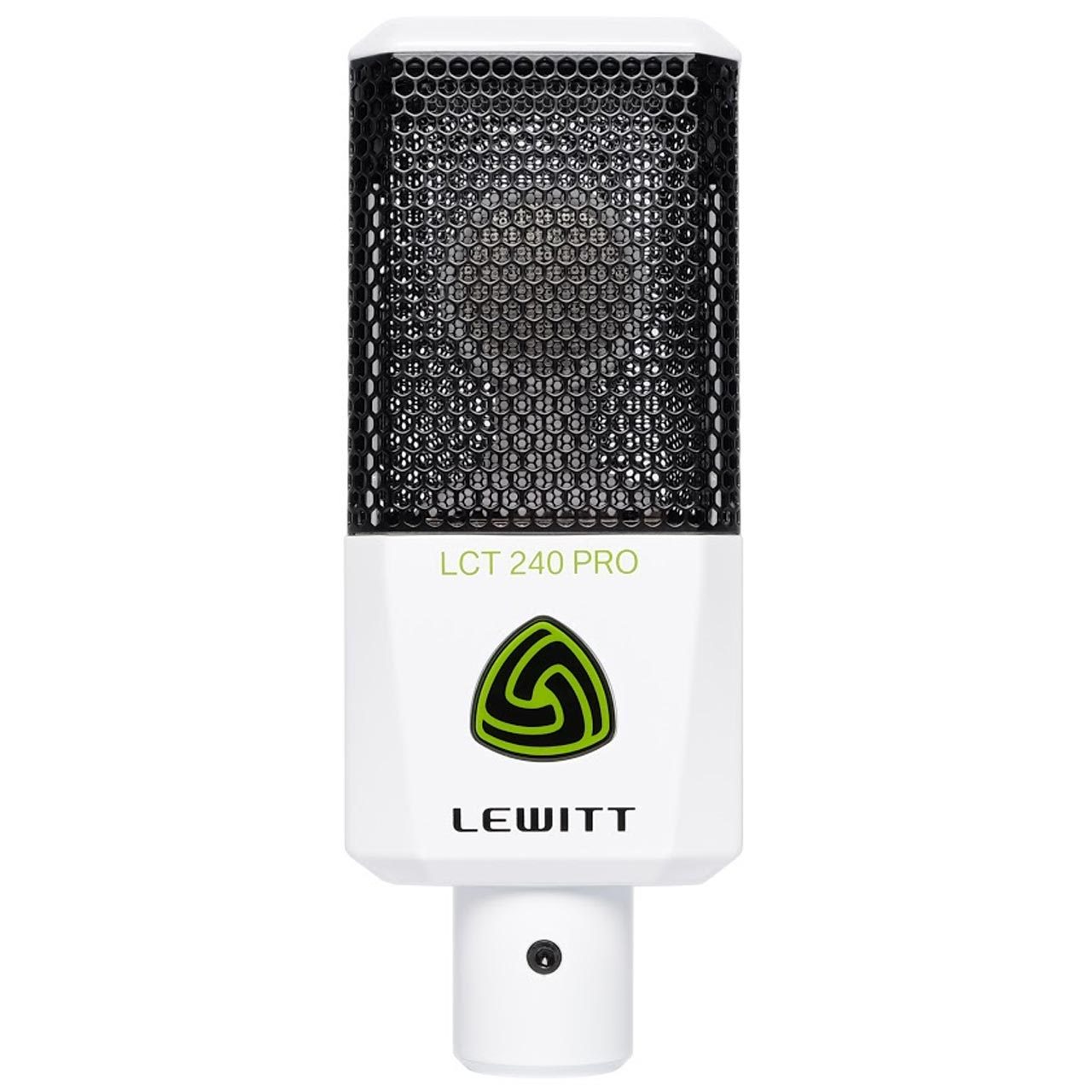
FOR PROFESSIONAL RECORDINGS | Works great for every sound source "Giant leaps instead of small steps" was the tagline for developing our LCT 240 PRO, a surprisingly versatile cardioid condenser microphone for everyone who’s eager to take the next step in professional recording. All applications can be covered thanks to its highly nuanced and transparent sound.
Condenser technology: Condenser microphones are much more sensitive to sound than dynamic microphones. The LCT 240 PRO enables clean, modern, and detailed recordings. It boosts the airy frequencies for intimate and direct sounding vocal recordings.
Fantastic sound - on all sound sources: For the LCT 240 PRO we have set ourselves the goal to design a microphone that delivers great sound for a wide range of applications. Use it to record vocals, acoustic instruments, amplifiers, drums, piano and many more - whatever you record, you will accomplish professional results; fast and uncomplicated.
Handles even the highest sound pressure levels: Whether you want to record your tube amp at high volumes, drums, saxophone or other instruments that produce high sound pressure levels - with the LCT 240 PRO you are always on the safe side. It can handle ear-shattering sound pressure levels and is able to reproduce every sound source in a clear and precise way at any volume.
What's in the box: Use the included clip to attach your LCT 240 PRO to your microphone stand easily. Time to give your microphone a break? Are you on the go? Use the leatherette bag to protect your mic from dust and scratches. The windshield comes in handy for outdoor gigs, vocal recordings, or simply to protect the capsule from moisture.
I've been using this in front of my amp . Handles the high volume and the high gain well.
Recently viewed products
PayPal Pay Later Messaging
Step 1: Choose message placement
Click the button below and then hover over your page to select a placement.
Step 2: Paste and save
You have copied the placement for the Product Page.
Go back to the App Embeds section, and in the Paypal Advanced Settings, paste the copied value into the
Product Page field and click the 'Save' button in the top right corner.