Your Cart is Empty

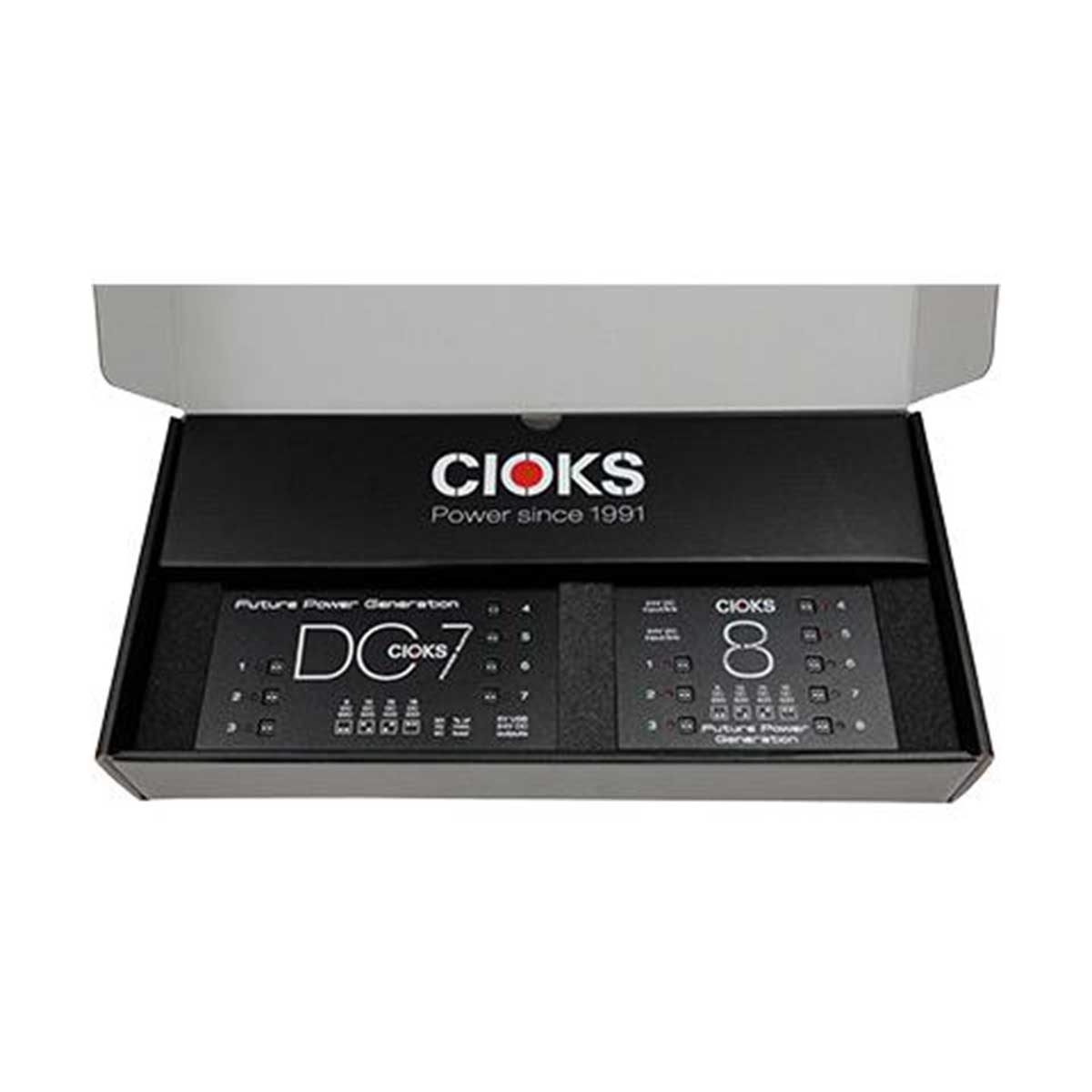
Get Your Superpower Here When you are building the ultimate pedalboard you need the ultimate in flexible, powerful and reliable power supply and the combination of the CIOKS DC7 and the CIOKS 8 Expander is just what the doctor ordered....
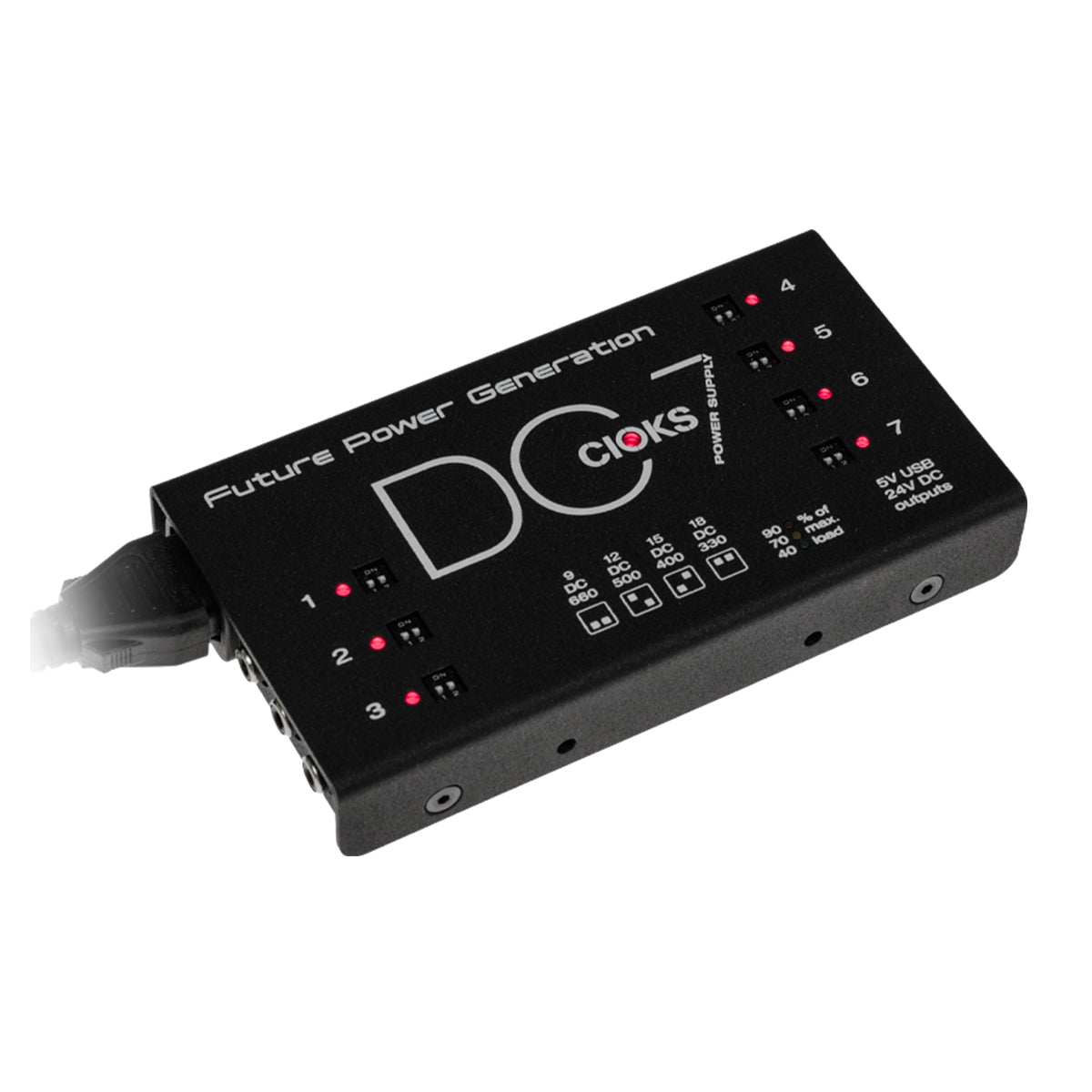
The Cioks DC7 is Cioks' next generation of power supply and features 7 outlets in 7 isolated DC, 5V USB and 24V DC Aux Out with 2A Max. Perfect to meet global touring requirements and accommodate almost any type of DC...
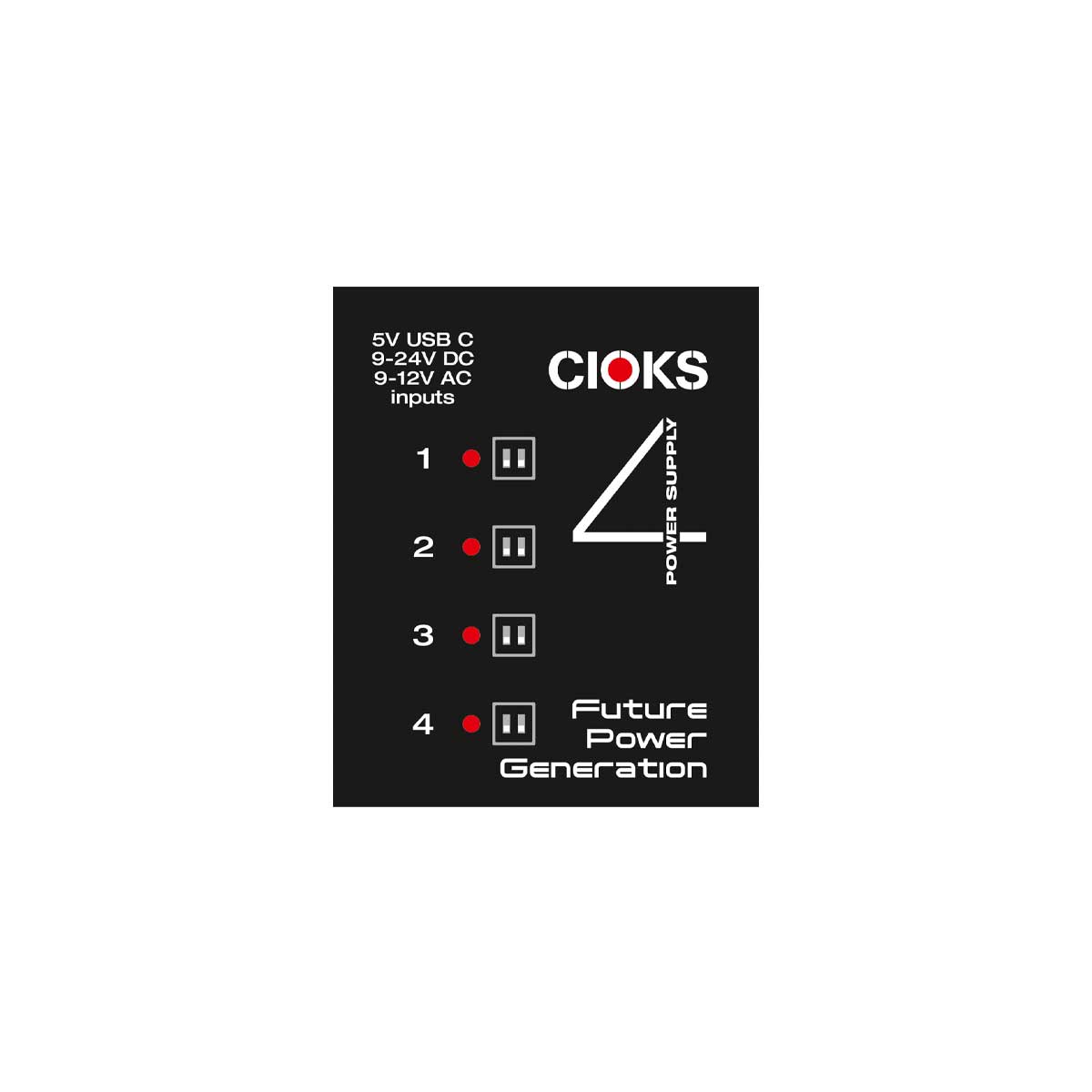
The CIOKS 4 power supply is the perfect companion to CIOKS DC7 in case you would like four additional outlets with four selectable voltages on each tap (9, 12, 15 and 18V DC) which can each deliver 660mA at 9V...

The Heart and SOL of Your Pedalboard SOL is the ultimate solution for bringing life to a small to medium-sized pedalboard setup, especially if you are using power-hungry pedals. SOL is the smallest mains-powered switch-mode power supply we make at...
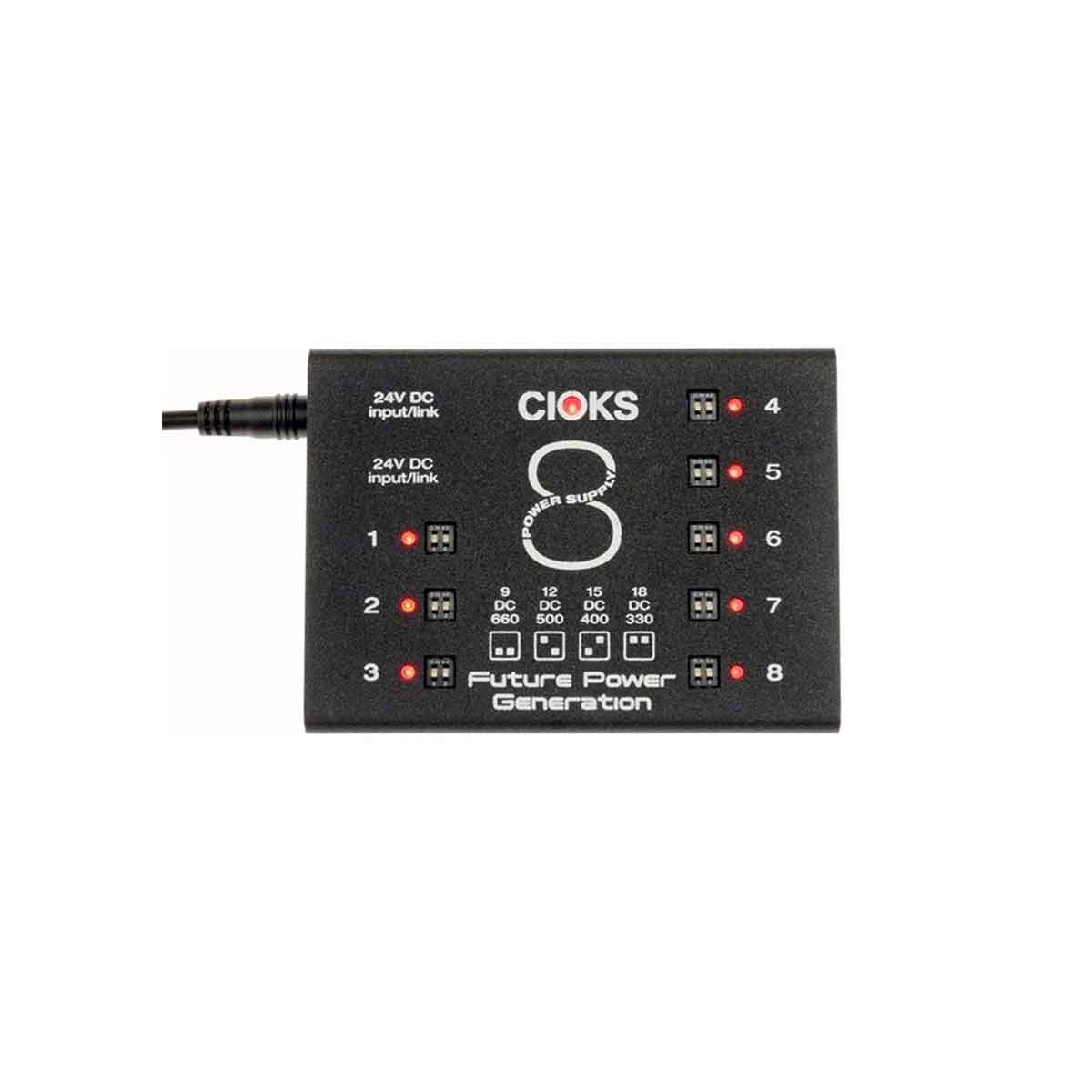
CIOKS 8 is our largest switch-mode power supply extender and it features 8 isolated outlets which each deliver 9V DC with 660mA. All eight outlets offer four selectable voltages (9V, 12V, 15V and 18V). CIOKS 8 was primarily designed to...
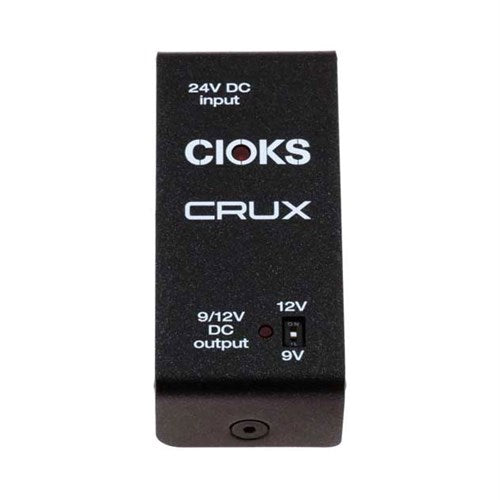
CIOKS CRUX HIGH CURRENT DC POWER SUPPLY CIOKS CRUX is the ultimate add-on to CIOKS DC7 if you are using a Neural DSP Quad Cortex, a Line 6 HX-series pedal or another power-hungry 9V or 12V multi-effects pedal. Simply connect...

The GRIP V2 bracket allows you to mount a compatible Cioks power supply underneath a Pedaltrain pedalboard in three easy steps which only takes a couple of minutes, without drilling and only using the included Allen key. By loosening two...

EIAJ to EIAJ, connects CIOKS DC7 to CIOKS 8, 50cm
1010 Music 3dio 500 Series 500 Series Rack Acoustic Panels Acoustic Treatment Adam Adam Audio Adat Aiaiai Akai Akai Mpc Alesis Amphion Amplifier Analog Cases Antelope Antelope Audio Apogee Apollo Apollo Twin Arturia Aston At2020 Audeze Audient Audio Interface Audio...


